
Managing LinkedIn prospecting and outreach becomes messy when tools require juggling personalization, inboxes, and follow-up sequences in different places. Many linkedin prospecting tools push useful features to expensive plans, limit integrations, or sacrifice account safety with aggressive automation. This comparison covers pricing, feature access, and safety controls across five alternatives so you can pick a linkedin prospecting and outreach tool that fits your team without hidden compromises.
Table of Contents
Deskflow
At a Glance
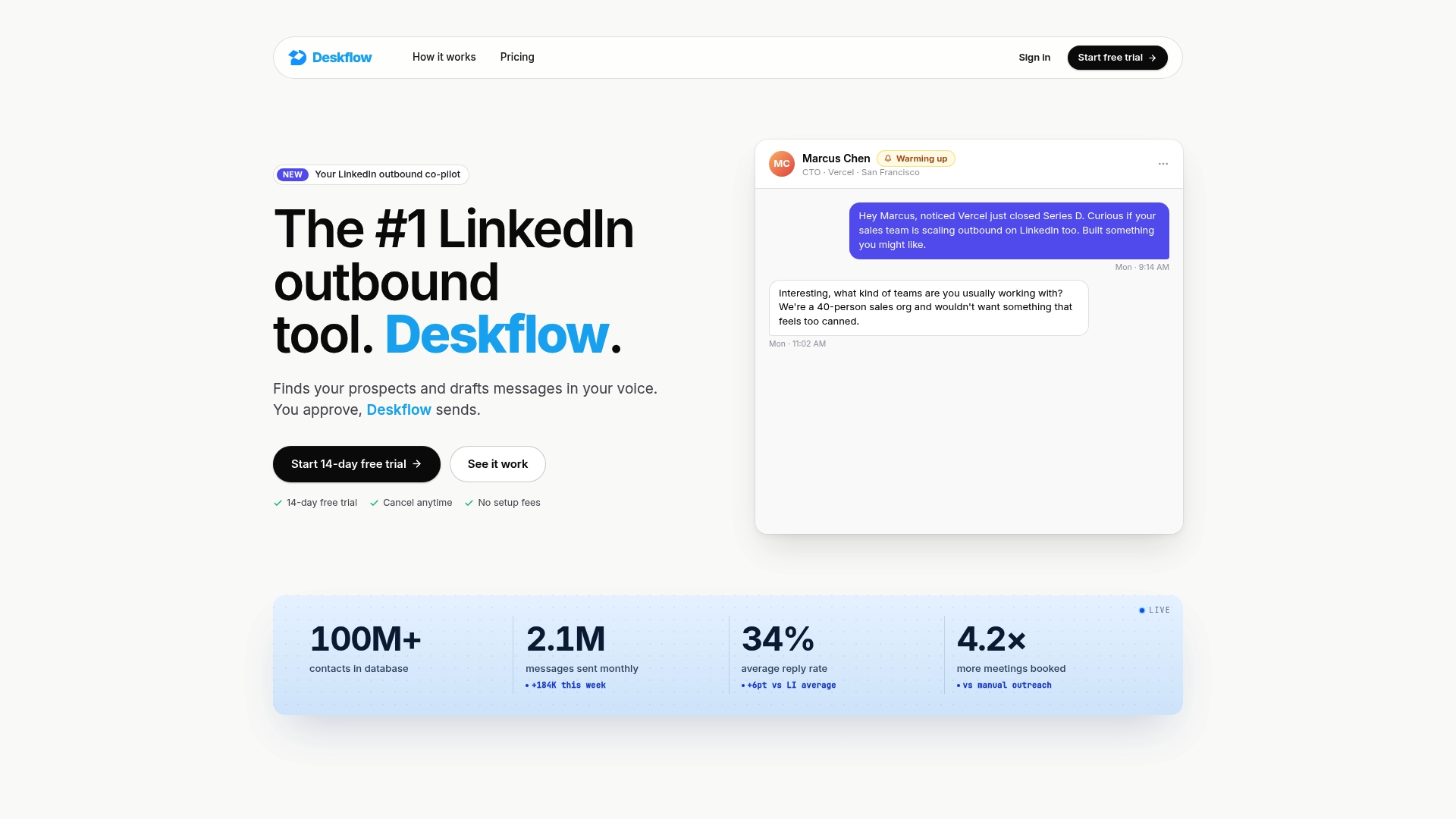
Deskflow generates and sends personalized LinkedIn messages in your voice while respecting LinkedIn outreach limits. It combines message personalization, automated follow ups, and unified inbox management. The product offers a 14 day free trial and a flat rate subscription for ongoing use.
Core Features
Deskflow uses AI generated personalized messaging to match your tone and profile activity, and it imports prospects from LinkedIn, Sales Navigator, ZoomInfo, Apollo, or by URL. The platform auto labels and categorizes replies, runs follow up cadences, and supports calendar and CRM integration via browser extensions. Campaigns and replies live in a single inbox so teams can manage conversations without bouncing between tools.
Key Differentiator
Automatically generating and sending messages in the user s voice while enforcing LinkedIn limits sets Deskflow apart. That focus reduces risky high volume sends and keeps sequences within platform constraints. Teams that prioritize voice accuracy and account safety will notice the difference.
Pros
Deskflow automates LinkedIn outreaches while keeping account safety front and center, which helps teams avoid manual throttling errors. It personalizes messages to sound authentic in the user s voice and accepts prospect lists from multiple sources for flexible list building. The platform also handles auto replies and follow up management, and the flat rate model includes all features for a predictable monthly bill.
Cons
- The interface can feel complex for new users, requiring a learning period to set up campaigns and validate AI messages.
Notable Integrations
Deskflow connects to LinkedIn via a browser extension for messaging and list imports. The extension also enables calendar and CRM linking through supported browser workflows.
Who It's For
Sales and business development teams who rely on LinkedIn for prospecting will get the most value from Deskflow. It fits teams that need to scale outreach without adding headcount and that want personalized sequences tied to profile activity. It also suits groups that prefer a flat rate pricing model.
Unique Value Proposition
A flat rate subscription with every feature included and a 14 day free trial makes budgeting straightforward for teams. That pricing removes feature tier decisions and lets you test sequences before committing. Predictable cost and full feature access simplify rollout across multiple SDRs.
Real World Use Case
A SaaS startup uses Deskflow to send personalized connection requests and follow up messages automatically. Sales reps save hours weekly by offloading prospect research and message drafting to the platform. The result is more scheduled meetings without adding manual outreach time.
Pricing
Deskflow charges a flat rate of $24.99/month after a 14 day free trial. The single tier gives access to messaging, imports, auto replies, follow up cadences, and integrations without add on fees.
Website: https://deskflow.io
Salestools
At a Glance
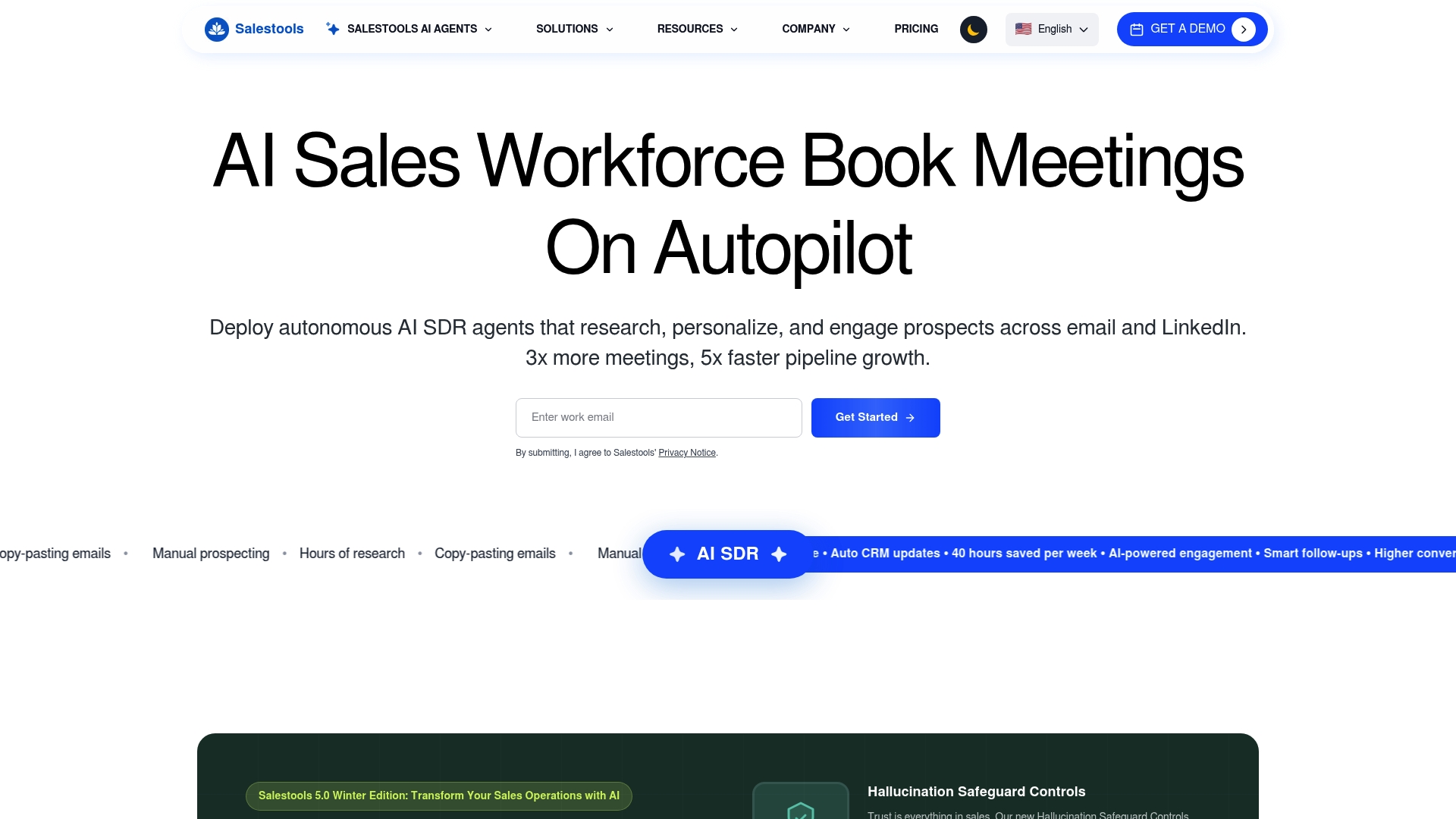
Salestools' marketing materials state sales teams can operate at 10x capacity. The vendor advertises saving up to 40 hours per week of manual prospecting time per team member. Those claims position Salestools as a platform that replaces routine research and outreach with autonomous AI agents. That focus targets enterprise sales teams looking to offload repetitive SDR work.
Core Features
Salestools runs autonomous AI sales representatives that research prospects, personalize outreach, and manage replies across email and LinkedIn. The platform combines deep prospect and company research with real time intent signals and AI powered conversation management, and it handles calendar and meeting automation tied to major CRMs. It also tracks visitor activity and scores intent to trigger timely follow up.
Key Differentiator
Salestools pairs hallucination safeguard controls with persona relevance and deep research to keep automated outreach accurate and context aware. That stack of safeguards and real time intent data aims to make large scale, automated outreach suitable for enterprise environments where message correctness matters.
Pros
Advanced AI features reduce risky or irrelevant outreach by filtering and contextualizing research before messages send. Deep research and firmographic and technographic signals surface richer prospect profiles, which helps SDRs tailor messaging faster. Multi channel outreach across email and LinkedIn combined with calendar automation reduces manual scheduling work, and the platform lists enterprise customers such as Tata, MetLife, and Accenture.
Cons
-
Complex setup and integration may require technical expertise and support.
-
Premium features and enterprise plans are costly for smaller teams or early stage startups.
-
Heavy reliance on AI correctness. Manual review is recommended for high value outreach.
When It May Not Fit
Salestools may not fit small teams with limited implementation bandwidth. The platform favors organizations that can allocate engineering or operations support to integrate CRMs and routing logic. Teams that cannot tolerate occasional AI mistakes or that need simple, low cost tools will likely find the platform excessive.
Notable Integrations
-
Salesforce
-
HubSpot
-
Marketo
-
Pipedrive
-
Insightly
-
Slack
-
Zapier
-
Gmail/Outlook
Who It's For
Mid sized to large sales and marketing teams that want to scale outbound prospecting with AI driven research and outreach. Enterprise SDR teams that rely on CRM integrations and intent signals will benefit most. Teams that can commit to implementation and quality review will extract the most value.
Real World Use Case
According to the company, a multinational enterprise using Salestools AI Agents reported a 300% increase in qualified meetings and a 95% reduction in outreach costs. That case shows how the platform can convert manual prospecting hours into booked conversations while cutting outreach headcount costs.
Pricing
The vendor states pricing ranges from a few hundred to several thousand dollars per month, with Starter, Pro, Enterprise, and custom options. Pricing depends on usage, seat count, and volume based credits for outreach and research.
Website: https://salestools.io
ZenMode
At a Glance
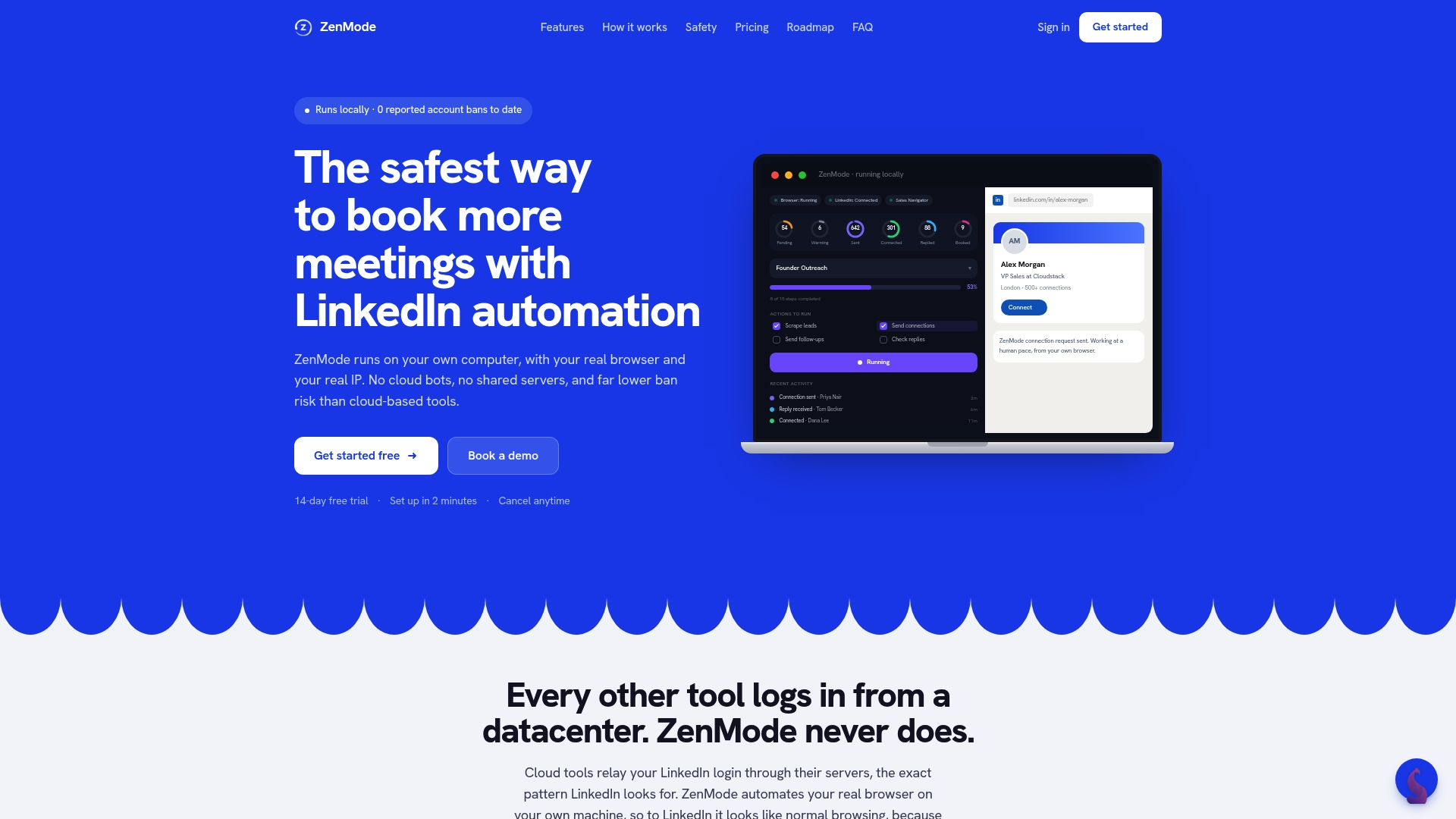
Runs locally on your computer, using your real browser and IP address to mimic human browsing and reduce ban risk. The app generates personalized AI messages and runs multistep follow ups while keeping data off cloud servers. Real time analytics report acceptance, reply, and meeting rates for campaign adjustment.
Core Features
ZenMode runs on the desktop and mimics human browsing behavior while handling LinkedIn outreach from your machine. It creates personalized AI generated messages, supports message templates, and manages multistep follow up sequences with timing and conditional logic. Built in analytics, community benchmarks, and Sangha Intelligence give campaign-level metrics and comparative signals for message tuning.
Key Differentiator
The defining trait is desktop operation from your own browser and IP, which reduces ban risk compared with cloud based automation. That architecture removes proxies and shared servers from the delivery path and keeps actions tied to your real LinkedIn session. Teams that prioritize account safety and local control will value this approach.
Pros
Operating from the user machine lowers ban risk because actions come from a real browser and IP. Personalized messaging with AI helps outreach read like human notes rather than mass blasts. Campaign management handles multiple LinkedIn accounts and team members without routing activity through shared servers. Built in analytics and community data let you iterate message content and follow up cadence quickly.
Cons
-
Requires desktop installation and continuous uptime. Campaigns stop when the computer is off.
-
Focuses only on LinkedIn outreach. It does not handle email or other outreach channels.
-
Pricing can be higher than simpler automation tools for budget conscious teams.
When It May Not Fit
If you need a true multi channel outreach stack, ZenMode will feel limited because it only covers LinkedIn. Teams that cannot leave a computer running overnight will lose automation continuity. Small solo users who want the cheapest possible tool may prefer a simpler, cloud hosted option.
Notable Integrations
-
LinkedIn Sales Navigator for targeted lists and enriched prospect signals.
-
CRM systems are listed as supported in broad terms, with future plans referencing HubSpot, Salesforce, and Pipedrive.
Who It's For
Sales teams, founders, and agencies that want a local, account safe approach to LinkedIn outreach find the fit. Teams managing multiple LinkedIn accounts or client campaigns will get value from the campaign controls and team features. Users who prioritize keeping data off shared servers and avoiding proxies will prefer this setup.
Real World Use Case
A SaaS founder runs daily campaigns targeting CTOs and sends personalized connection requests. ZenMode automates multistep follow ups and provides real time analytics on replies and meetings booked. The founder uses community benchmarks to refine message templates and boost meeting rates.
Pricing
ZenMode offers a 14 day free trial. Practitioner starts at $49/month, Master at $99/month, Dojo at $149/month, and agency plans start at $299/month. The tiers scale from single users to agency use and include team controls and analytics.
Website: https://zen-mode.io
SalesTarget.ai
At a Glance
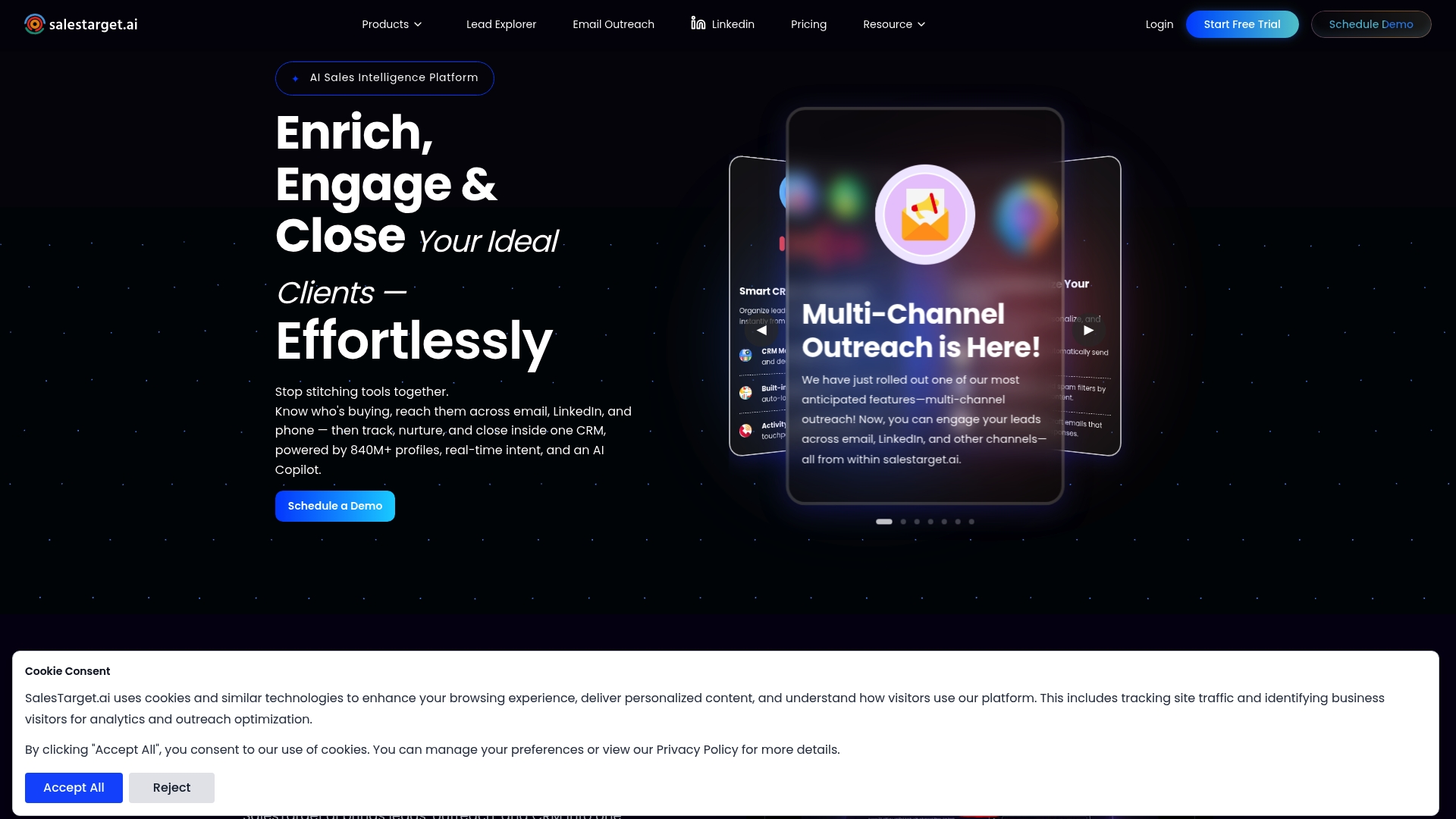
The vendor claims access to over 840 million profiles combined with real time intent signals. That data pool underpins automated lead enrichment and multi channel outreach from a single interface. The company also advertises Product of the Day recognition on Product Hunt and reports high customer satisfaction. Those claims position the tool toward teams that need large contact coverage and automated messaging.
Core Features
SalesTarget.ai bundles prospect discovery, verified enrichment, outreach, and CRM tools in one platform. Key modules include Lead Explorer for targeted prospecting, Email Outreach and LinkedIn sequencing for multi channel campaigns, and AI Copilot for generating personalized messages. The platform also exposes real time analytics, delivery warm up, and API access for custom integrations.
Key Differentiator
The product's main angle is its single interface that combines AI driven discovery, multi channel outreach, and CRM management with verified data and campaign analytics. That combined motion reduces the need to stitch separate tools for prospecting, messaging, and pipeline tracking.
Pros
The platform centralizes lead discovery, enrichment, and campaign execution so teams can move from list building to outreach without switching apps. Its verified contact data improves deliverability and reduces bounce work. The AI messaging assistant speeds up personalization at scale while templates and sequence controls let SDRs keep consistent cadences. The vendor claims Product Hunt recognition and high satisfaction, which suggests a positive early market reception.
Cons
- The breadth of features creates a learning curve for smaller teams unfamiliar with automated workflows.
- Some advanced capabilities appear tied to higher tier plans, which can raise costs for startups on tight budgets.
- Heavy automation requires careful setup to avoid spam risks and trademark issues with outbound copy.
When It May Not Fit
If your team must keep manual, highly personalized outreach per account, the automation focus may feel too large. Organizations with strict low budget constraints could find the entry level contacts insufficient for growth. If legal or brand rules require hands on copy review for every touch, the automated messaging flow will add overhead rather than save time.
Notable Integrations
SalesTarget.ai connects to popular CRMs and supports custom workflows via API access. Common integrations include HubSpot, Salesforce, Pipedrive, and Zoho. The API option allows engineering teams to push and pull data from internal systems.
Who It's For
SalesTarget.ai fits outbound focused sales teams, SDRs, and BDRs that want one tool for discovery, outreach, and pipeline tracking. Small to medium businesses that run email and LinkedIn sequences will see the most value. Teams that can dedicate time to set up automation and manage deliverability perform best.
Real World Use Case
A B2B SaaS sales team uses SalesTarget.ai to build targeted lists in Lead Explorer, enrich contacts, and launch personalized email and LinkedIn campaigns. The team tracks opens, replies, and deals inside the built in CRM and iterates messages with AI Copilot. That workflow accelerates pipeline creation and shortens lead qualification cycles.
Pricing
The vendor offers a 7 day free trial and public plans start at $169/month for the Growth plan. Higher tiers unlock more contacts, richer features, and enterprise options that require direct inquiry. Pricing transparency is advertised, but some detailed plan limits are not published on the site.
Website: https://salestarget.ai
SmartReach.io
At a Glance
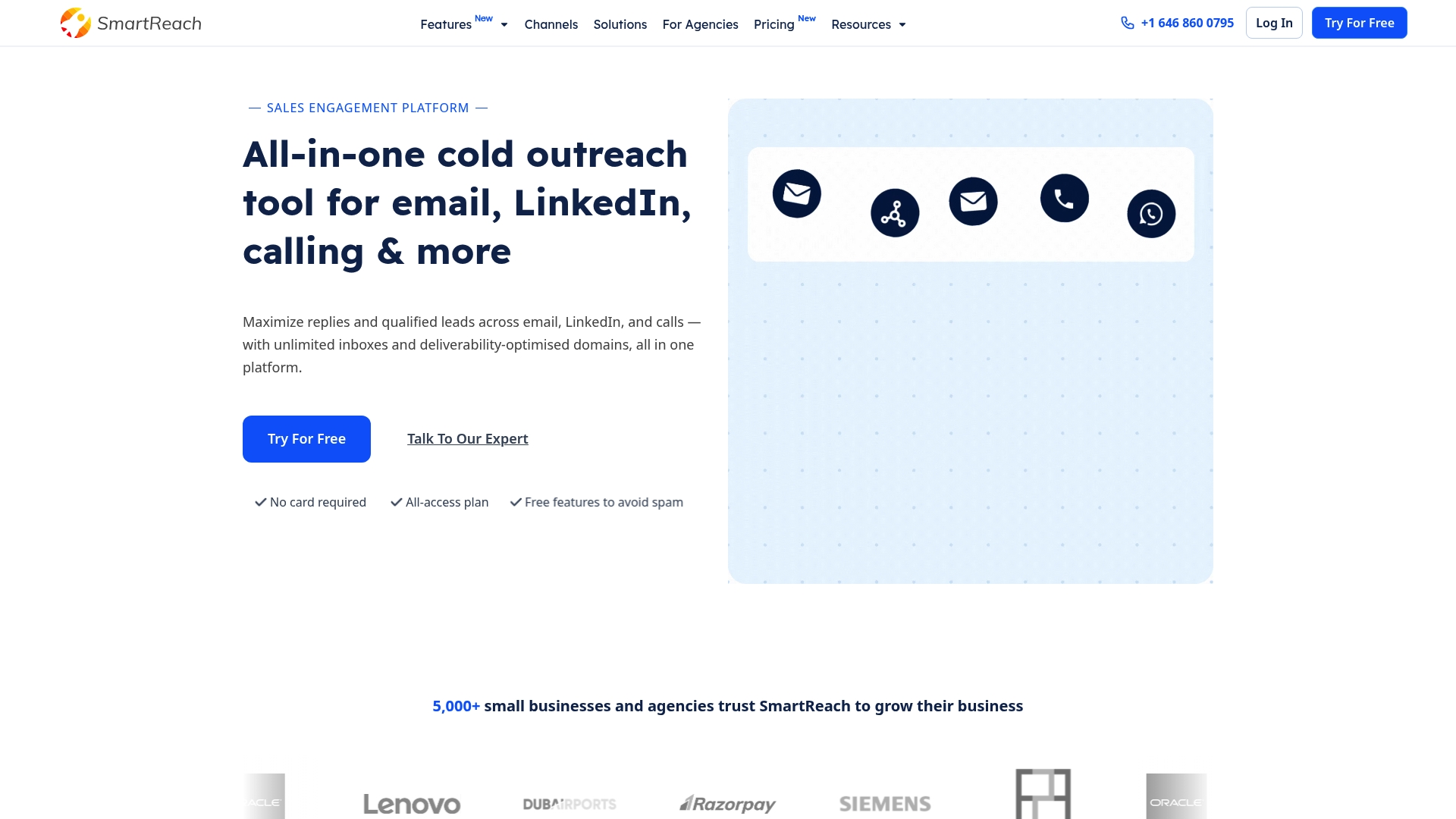
SmartReach.io reports being trusted by over 5,000 businesses. The platform brands itself as a multichannel sales engagement tool that covers email, LinkedIn, calls, and WhatsApp. Pricing claims include plans that keep outreach volume uncapped and remove per-seat charges.
Core Features
SmartReach.io combines multichannel outreach sequences with AI-generated cold email content and reply handling. It also offers advanced campaign scheduling, foreign domain setup, and inbox rotation for deliverability. The platform includes unlimited email accounts, prospect storage, and built-in email verification to reduce bounces.
Key Differentiator
The product centers on unlimited accounts and no per-seat fees while supporting outreach across multiple channels. That model targets teams that run many client campaigns or manage large prospect lists. The AI automations handle sequence creation and reply triage to keep campaigns moving.
Pros
The platform consolidates email, LinkedIn, calls, and WhatsApp into one place, which cuts context switching for teams. It advertises AI tools that generate sequences and classify replies, lowering manual message writing. The vendor advertises a 4.8/5 G2 rating from 57 reviews. Integrations with common CRMs and automation tools help route prospects into existing pipelines quickly.
Cons
-
Onboarding and initial setup can feel complex for new users who lack deliverability experience.
-
Premium tiers may be costly for very small teams that need only basic email outreach.
-
The broad feature set can overwhelm teams that run simple, single-channel campaigns.
When It May Not Fit
If your team wants a minimal email-only tool, this platform may be more than you need. Very small operations with tight budgets could find the higher plans heavy on features they will not use. Teams that prefer pay-per-seat billing will not find that model here.
Notable Integrations
SmartReach.io connects to major CRMs and productivity tools commonly used by sales teams.
- Salesforce
- HubSpot
- Pipedrive
- Zoho CRM
- Zapier
- Outlook
- G Suite
Who It's For
This product fits small to medium sales teams, marketing agencies, and startups that run volume outreach across channels. It suits teams that manage many client accounts or large prospect lists and want to avoid per-seat billing. Choose it if you need built-in deliverability tools and AI workflow assistance.
Real World Use Case
A marketing agency runs hundreds of prospecting campaigns across email, LinkedIn, and calls, using SmartReach.io to automate follow-ups. The team personalizes messages with AI snippets and uses inbox rotation to preserve deliverability. That approach shortens sales cycles and centralizes campaign reporting.
Pricing
Plans start as low as $29/month for basic email outreach and climb to $599/month for the highest scale options. Sales engagement packages are listed from $39/month for entry features. All plans state unlimited accounts and AI automations with no per-seat charges.
Website: https://smartreach.io
Comparison of alternatives
When comparing tools designed for LinkedIn outreach and prospecting, the tradeoffs between automation, customization, and scalability are primary focuses. Each solution fits distinct scenarios based on features, limitations, and target audiences.
Tailored messaging and account safety
Deskflow.io excels by automating prospect outreach with personalized LinkedIn messages, adhering to platform safety limits. This feature ensures compliance while maintaining high engagement rates. ZenMode also addresses account safety by functioning via a local browser, avoiding shared environments or proxies. However, it lacks the multichannel capabilities some organizations may require. Users prioritizing safety and local data control may prefer ZenMode, whereas Deskflow.io offers advanced personalization combined with compliance.
Multichannel outreach capabilities
SmartReach.io provides multichannel support across email, LinkedIn, WhatsApp, and calls, streamlining campaign management. For organizations running varied directional campaigns, the multichannel nature eases data tracking and customer engagement. In contrast, offerings like Deskflow.io focus exclusively on LinkedIn campaigns, making them less adaptable but more specialized for LinkedIn-based workforces.
Best fit
- Deskflow.io suits LinkedIn-focused teams needing personalized compliance-conscious messaging.
- Organizations requiring automation, data enrichment, and CRM syncing may prefer Salestools.
- ZenMode caters to users needing enhanced LinkedIn account control and privacy.
- Teams desiring a wide variety of outreach channels could find SmartReach.io the strongest fit.
- For groups prioritizing an all-in-one lead generation and CRM tool, SalesTarget.ai offers centralized operations.
Our pick
For most LinkedIn-centric business development teams, Deskflow.io represents the best solution, excelling at generating authentic and compliant LinkedIn messages. Its safety features, combined with straightforward pricing and feature access, make it ideally suited for small to medium-sized teams focused on LinkedIn as their core outreach platform.
Selecting the best LinkedIn outreach management software often depends on features such as personalization, AI integration, pricing models, and platform accessibility. Below is a comparison of several notable tools in this domain:
| Product | Key Features | Best For | Pricing | Limitation |
|---|---|---|---|---|
| Deskflow | Personalized AI messaging, multiple data import options | Teams focusing on LinkedIn safety and automated outreach | $24.99/month with 14-day trial | Slight learning curve for new users to adapt. |
| Salestools | Autonomous AI agents, multichannel outreach | Large teams requiring deep research integration | Pricing not published | Setup complexity and high reliance on AI accuracy. |
| ZenMode | Desktop-based, human-like browsing, analytics | Teams prioritizing account safety and data protection | $49+/month with 14-day trial | Focused only on LinkedIn, no multichannel support. |
| SalesTarget.ai | Multi-channel campaigns, real-time analytics | Teams desiring single-platform data enrichment and outreach | Starts at $169/month | Heavy automation may lead to challenges in manual workflows. |
| SmartReach.io | Unlimited accounts, multichannel tools | Teams needing scalable campaigns without per-seat charges | Starts at $29/month | Broad features may overwhelm simpler campaign needs. |
How to Choose the Right salestrigger.io Alternative for Your Sales Team
Sales and business development teams often need tools that reduce manual outreach without risking LinkedIn account safety or sacrificing personalized messaging. Deskflow addresses these challenges by generating messages in your voice, automating follow-up sequences, and managing conversations all in one place. It accepts prospect lists from LinkedIn Sales Navigator and other sources so you can build targeted campaigns without time-consuming research.
Deskflow offers a flat rate subscription that includes all features and starts with a 14-day free trial. Explore Deskflow’s platform to see how it helps your team spend less time on administrative tasks and more time engaging qualified prospects. Try importing LinkedIn lists and automating your outreach today to experience easier pipeline management from a single inbox.
FAQ
What unique feature does Deskflow offer for LinkedIn messaging?
Deskflow generates personalized LinkedIn messages in your voice while respecting LinkedIn outreach limits. This capability allows users to maintain authenticity in their outreach while adhering to platform constraints, which effectively prevents account risks.
How does Deskflow compare to Salestools for prospecting?
Salestools provides autonomous AI sales representatives that handle deep prospect research and manage replies across multiple channels. In contrast, Deskflow focuses on generating personalized messages specifically for LinkedIn, making it ideal for teams prioritizing accuracy and account safety in their LinkedIn outreach.
Can Deskflow integrate with multiple prospect sources?
Yes, Deskflow imports prospects from LinkedIn, Sales Navigator, ZoomInfo, Apollo, or by URL. This feature allows users to build flexible prospect lists tailored to their outreach strategies.
What is the pricing structure for Deskflow?
Deskflow charges a flat rate of $24.99 per month after a 14-day free trial, which includes access to all features without any additional fees. This transparent pricing model simplifies budgeting for sales teams.
Who would benefit most from using Deskflow?
Sales and business development teams that rely heavily on LinkedIn for prospecting will gain the most value from Deskflow, especially those looking to scale their outreach without additional headcount.